10 comments found.

Hello .. Can i use this template with transparent backgroud ?
Hi, thank you for interest for my project.
Yes, you can hide graphics and background layers and easily customize.
Do you have any questions please send me a message from my profile. https://videohive.net/user/motioneasy
Best regards MotionEasy
Hello, I purchase the file. Youwrote that the file was compatible with Iphone X, but 890×1920 is not Iphone X format.. And when I want to ajust the size, it is either too big or too small. Why?
Thank you for your purchase. Please send me a message for detailed support, motion.easy.studio@gmail.com. Best regards.
You wrote that the file was compatible with Premiere Pro CC 2018, but it’s not true. Now I have paid but cannot use the file.
Thank you for your purchase. I’m sorry about the issue. Yes, compatible with CC 2018. Please send me a message with your Premiere Pro version screenshot for detailed support. motion.easy.studio@gmail.com. Best regards.
email sent
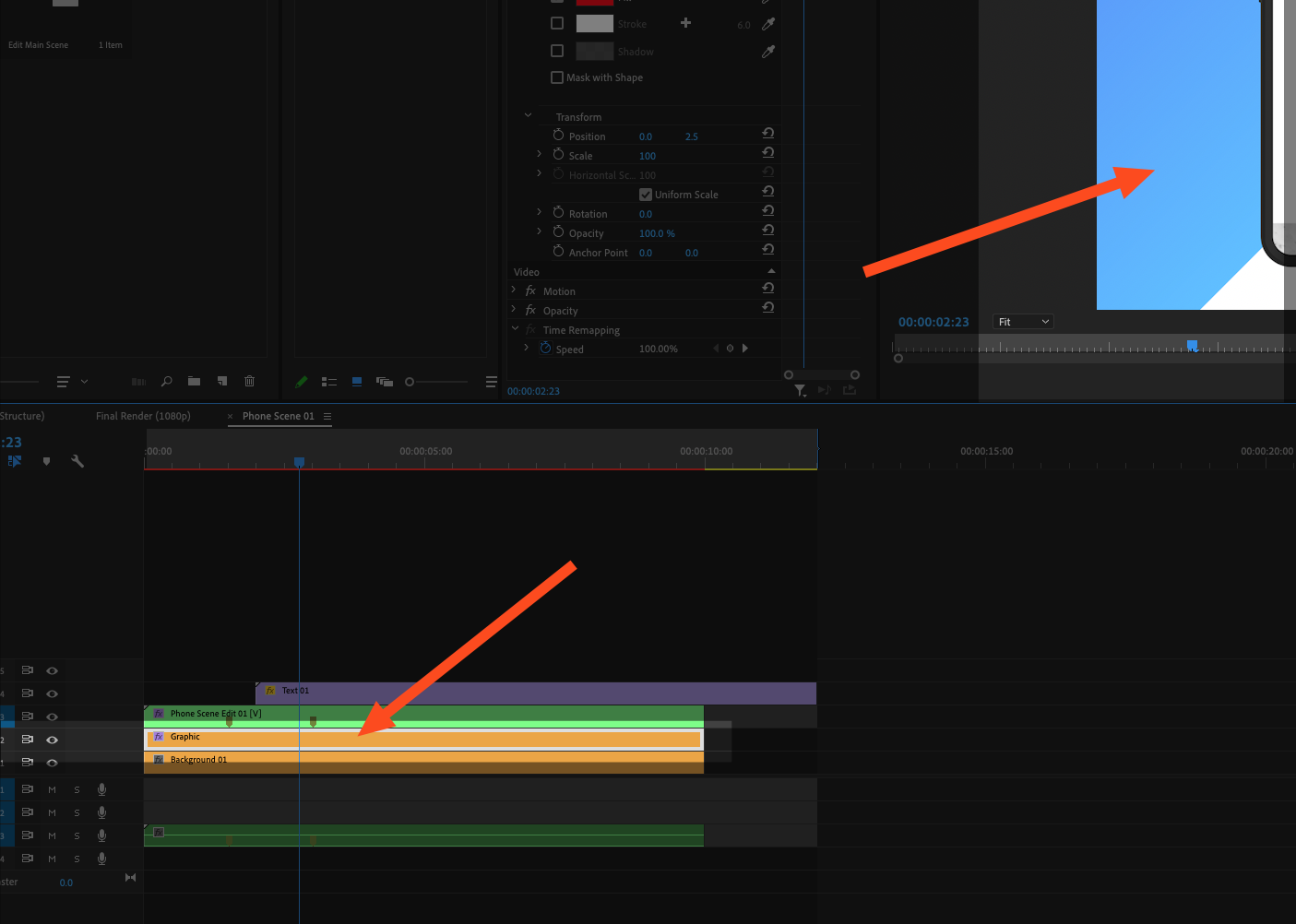
Hi, great template. How can I change the colour of the graphic that slides in? – https://cdn.zappy.app/ec098c787473d5e68f5418512d99b0a3.png
Also, where are shadow controls?
Thank you for your purchase. Please send me a message for detailed support, motion.easy.studio@gmail.com. Best regards.
hello, can i remove the shadow under the smartphone?
Hi, Thank you for your interest, You can disable all shadows in the project. After purchase, if you need any help or find any problem please contact me I‘ll help you quickly. Best regards.
thanks
You’re welcome
Good Morning, great template so far only having one minor issue noticing a strange pattern overlay over the phones. Can’t seem to find where that affect can be removed. It is more noticeable on Phone Scene 7 when the second phone rotates. I don’t see the issue on your demo but no matter how many times we render it, that strange grid is showing. I’ve rendered it in CC 2019 12.1.2 and CC 2019. Any help would be appreciated.
Hi, thank you for purchase. Please send me a message for detailed helping motion.easy.studio@gmail.com
Best regards.
Thank you, I figured it out. Had to change the renderer to Open GL from software and it removed that strange overlay effect.
I’m happy, for your solved issue. If you’ll have been a problem, please contact me. Also, thank you for the review. Best Regards.
Hi! I can open the file due to “the project was saved in a newer version” I have the latest update. How do I fix this?
Thank you for purchased. Please send us a message for detailed support motion.easy.studio@gmail.com. Thank you!
Very cool work ! 
Hello! I’m excited to use your template. Unfortunately, I didn’t realize it charged me for 2 downloads in my account during the sign-in procedure. Is there any chance to get a refund on 1 of them?
Hi, thank you for purchased and I’m sorry but I can’t give you any refund. You need to contact envato. This link could help you https://help.market.envato.com/hc/en-us . Please inform me about this situation.
The template that has been downloaded is not supported upon my version of Adobe Premiere Pro CC 2017, and upon purchase did not state that an updated version was needed. Furthermore, after being able to by pass the message, I quickly have come a cross a problem with the actual template that has made a single frame cover the rest of the other templates. The template seems to be blocking the other template and is irremovable. I was hoping I can get a version that is not bugged and has ability to be run on a Premiere Pro 2017 model.
Thank you for purchasing. Please send us a message for support for detailed helping motion.easy.studio@gmail.com. Thank you!